Payments
Easy ways
to pay.
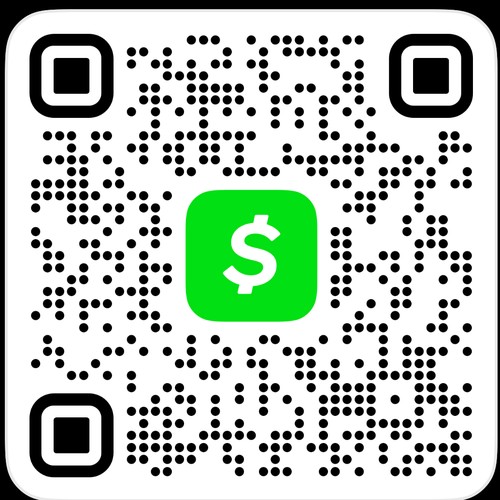
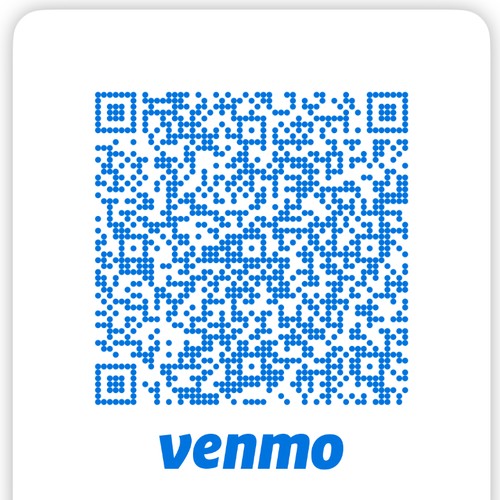
Send your deposit or your balance with whichever app you already use. Scan the code with your phone's camera, or tap the button to open the app.
Zelle
Blackout The Bartender LLC
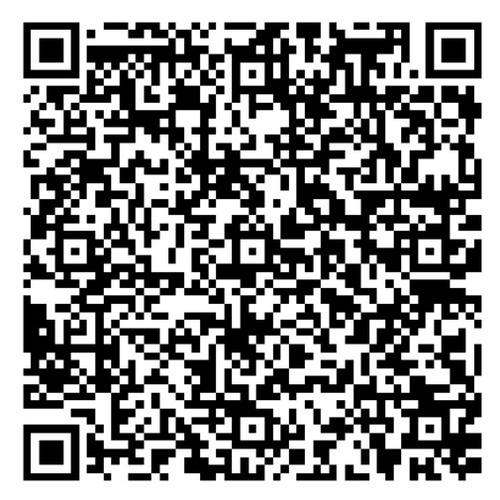
Open your bank's app, choose Zelle, and scan this code — or search “Blackout The Bartender LLC.” Zelle doesn't support a tap-to-pay link, so scanning or searching is the way to send it.
Please include your name and event date in the payment note so it can be matched to your booking. A screenshot of the payment is always welcome but not required — we'll confirm once it's received. Prices, deposits and the cancellation and refund policy are on the Pricing and FAQ pages, and are spelled out in full in your booking agreement.